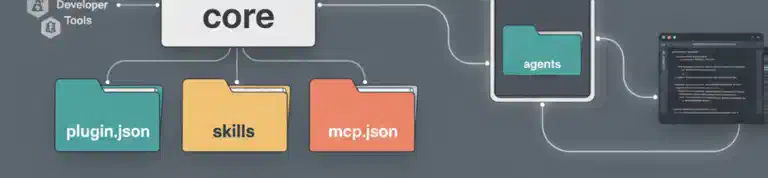
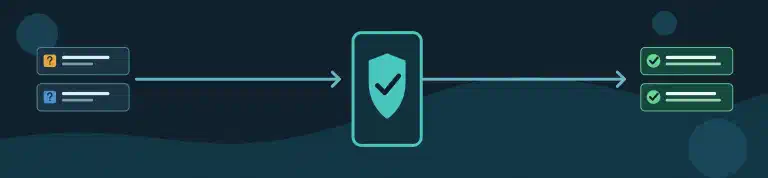
Is Copilot updating your workflow with an Action version that is already old? Instead of correcting the same recommendation every time, you can turn version selection into a small, repeatable skill. Today I’ll show you how to use a two-step process to design a skill that teaches Copilot how to write up-to-date Actions workflows.